Breakouts & zone entries
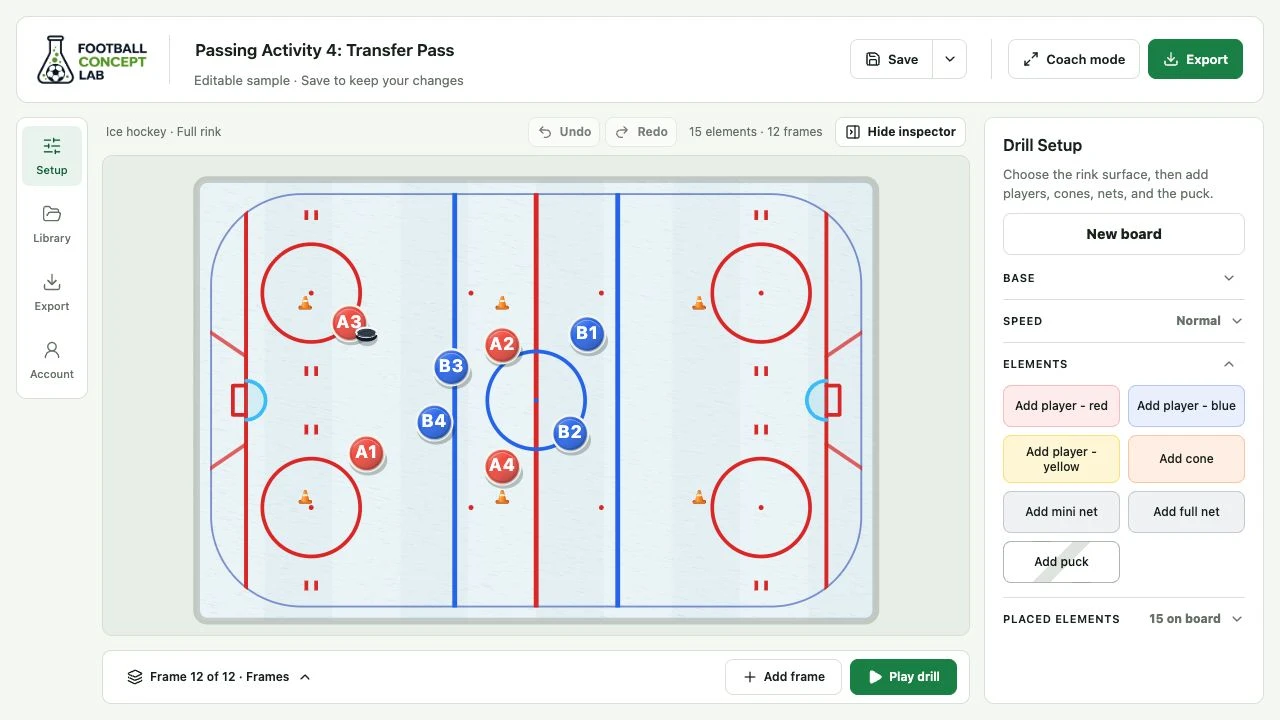
Start on the full rink to map the first outlet and supporting lanes. Add frames to show how player positions and puck movement change through the neutral zone.
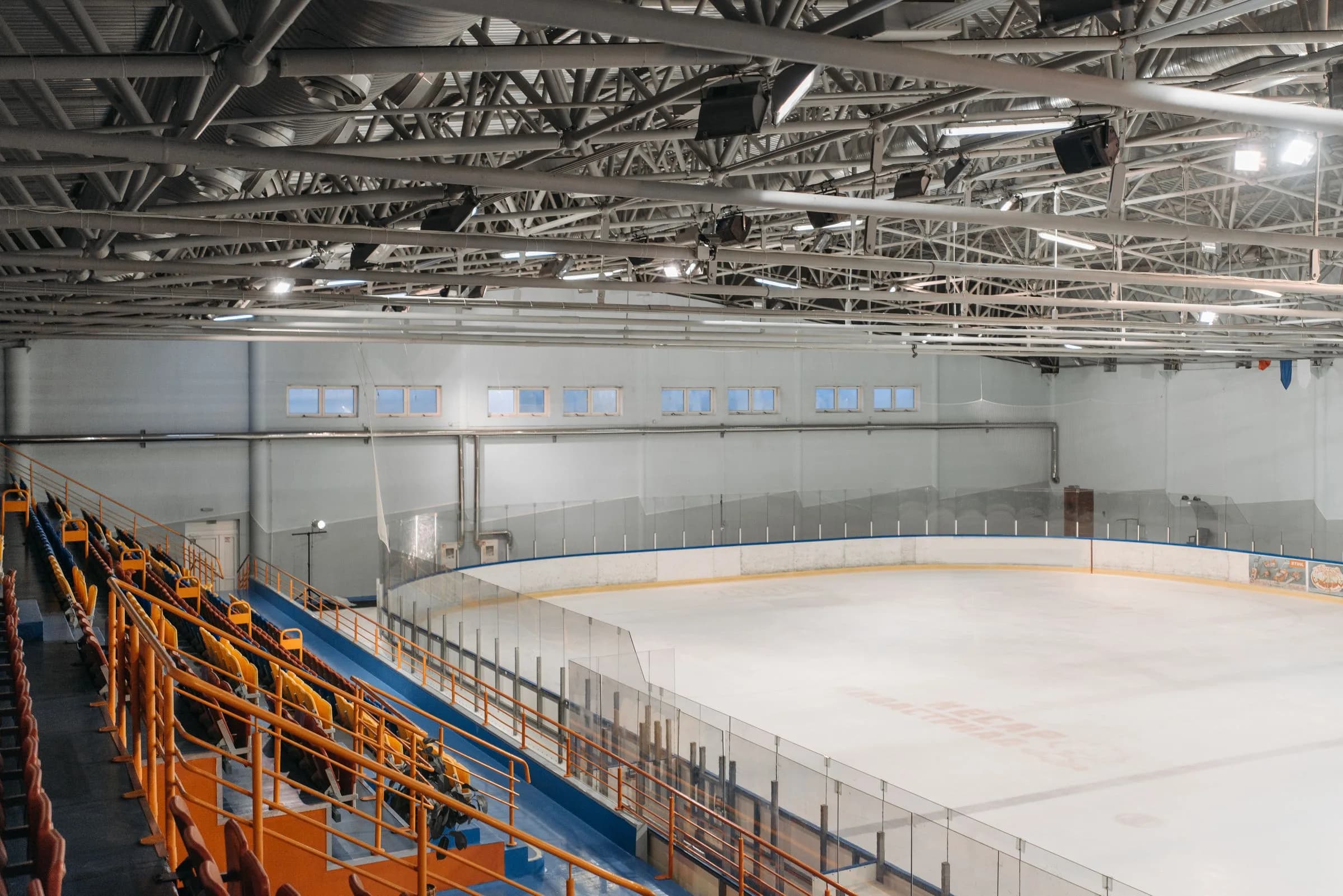
Ice Hockey drill maker
Map out the breakout, follow the puck, and show where the next support option comes from. Turn your rink-side explanation into an animated sequence your players can follow.
Built around your coaching
Use the board to make the movement, spacing, and purpose of your exercise easier to see.
Start on the full rink to map the first outlet and supporting lanes. Add frames to show how player positions and puck movement change through the neutral zone.
Use the offensive-zone surface to focus on puck support, rotations, and shooting positions. Frame captions let you explain the decision at each stage.
Set boundaries with cones on half a rink or plain ice. Keep the setup fixed while you move players and the puck through the exercise.
A simple coaching workflow
Keep your attention on the rink, with the tools you need close by.
Choose a surface and place your players, cones, and puck. Edit labels in Placed elements and lock the setup when you want it to stay fixed.
Add a frame and move the elements to show what happens next. Preview with Play drill, undo an edit, and reveal or pin the frame tray when you need the full sequence.
Walk through the idea in coach mode, or export an MP4 or GIF. Add coaching notes, captions, and optional MP4 narration, and save an editable version for your next session.
Before you start
Yes. The ice hockey mode includes rink markings and a puck, with full-rink, half-rink, offensive-zone, and plain-ice surfaces.
Yes. Set the initial player and puck positions, add frames for the outlet and supporting movements, and preview them with Play drill. You control the positions and sequence.
Coach mode gives you a full-screen board for a live walkthrough. For a clip players can watch later, export the sequence as an MP4 or GIF.
Ready for your next session