
Build animations
Players, cones, nets, balls or pucks, frames, and field options.
THE COACHING STUDIO · FOUR SPORTS. ONE PLACE.
Bring yours to life. Create animated drills, explain every movement, and give your team a plan they can see.
Build in your browser. Coach on the field. Share anywhere.
Choose the sport you coach.
FROM YOUR BOARD TO THEIR NEXT MOVE
Who moves. Where the space opens. When the pass arrives. Turn your coaching idea into a sequence your players can follow.
Try the tactics editor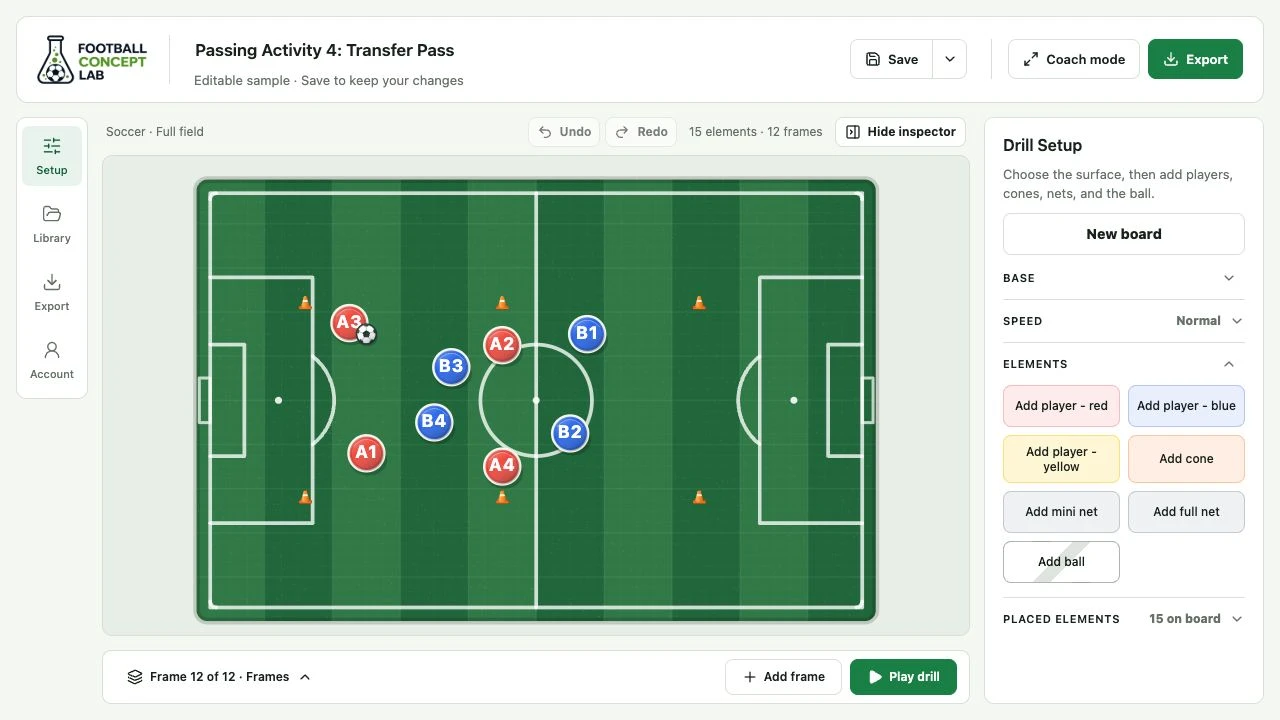
Turn a static idea into a sequence: where the setup starts, how players move, when the ball changes hands, and what the group should notice. Use it for session planning, pre-training explanations, post-session clips, and live field-side teaching.
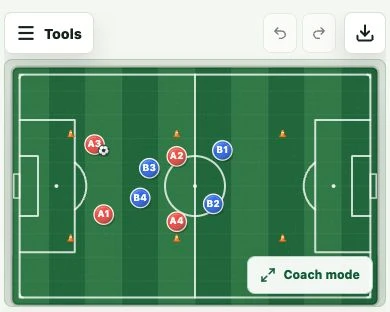
The board is built for coaching workflows: place the setup, capture movement across frames, add context, preview the idea, and export something players can review away from the session.
Players, cones, nets, balls or pucks, frames, and field options.
Save editable drills locally and upload Football Concept Lab drill files.
Practice or record narration against the drill timeline before MP4 export.
Download MP4 or GIF files from the drill you are currently viewing.
Use a full-screen board for field-side walkthroughs.
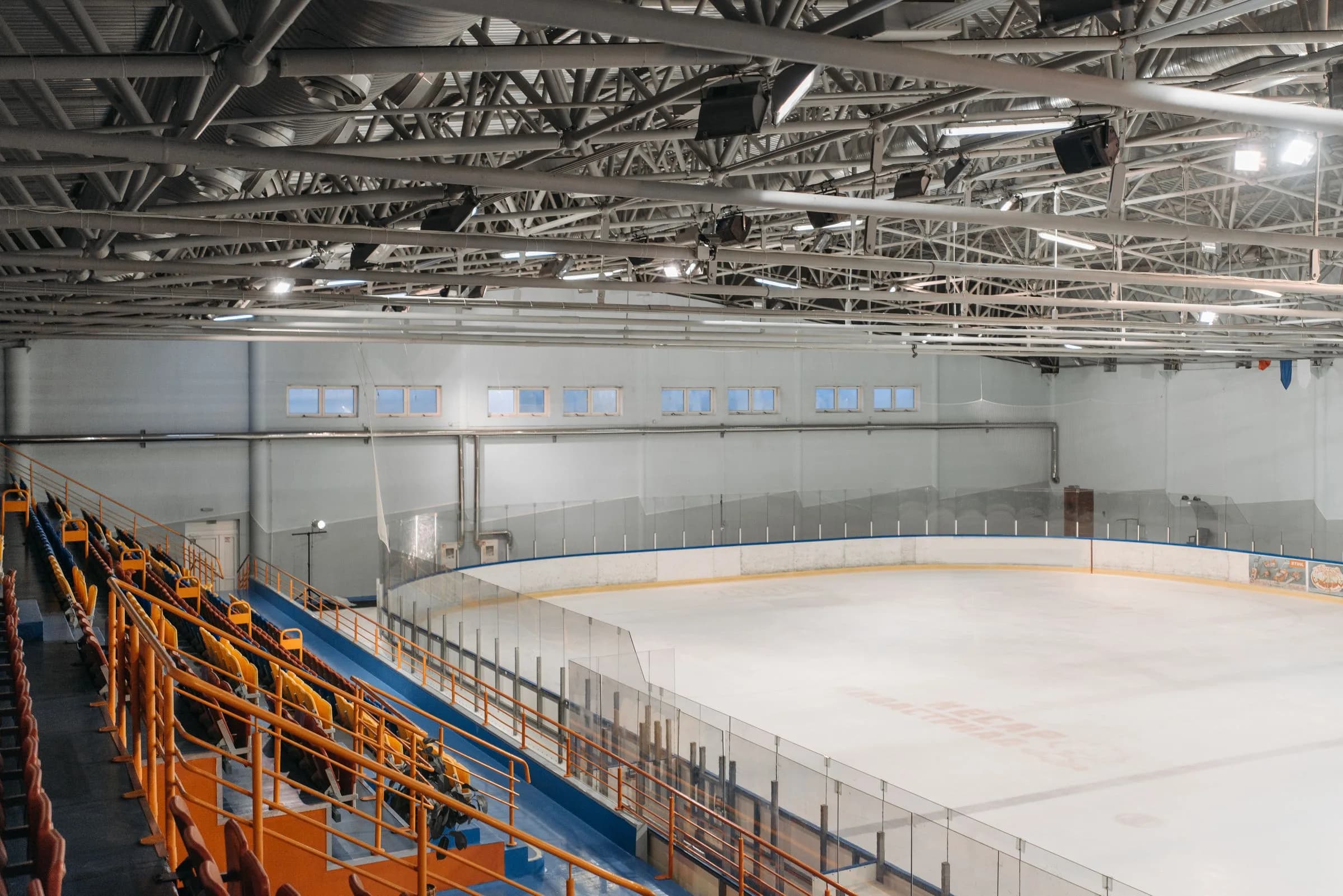
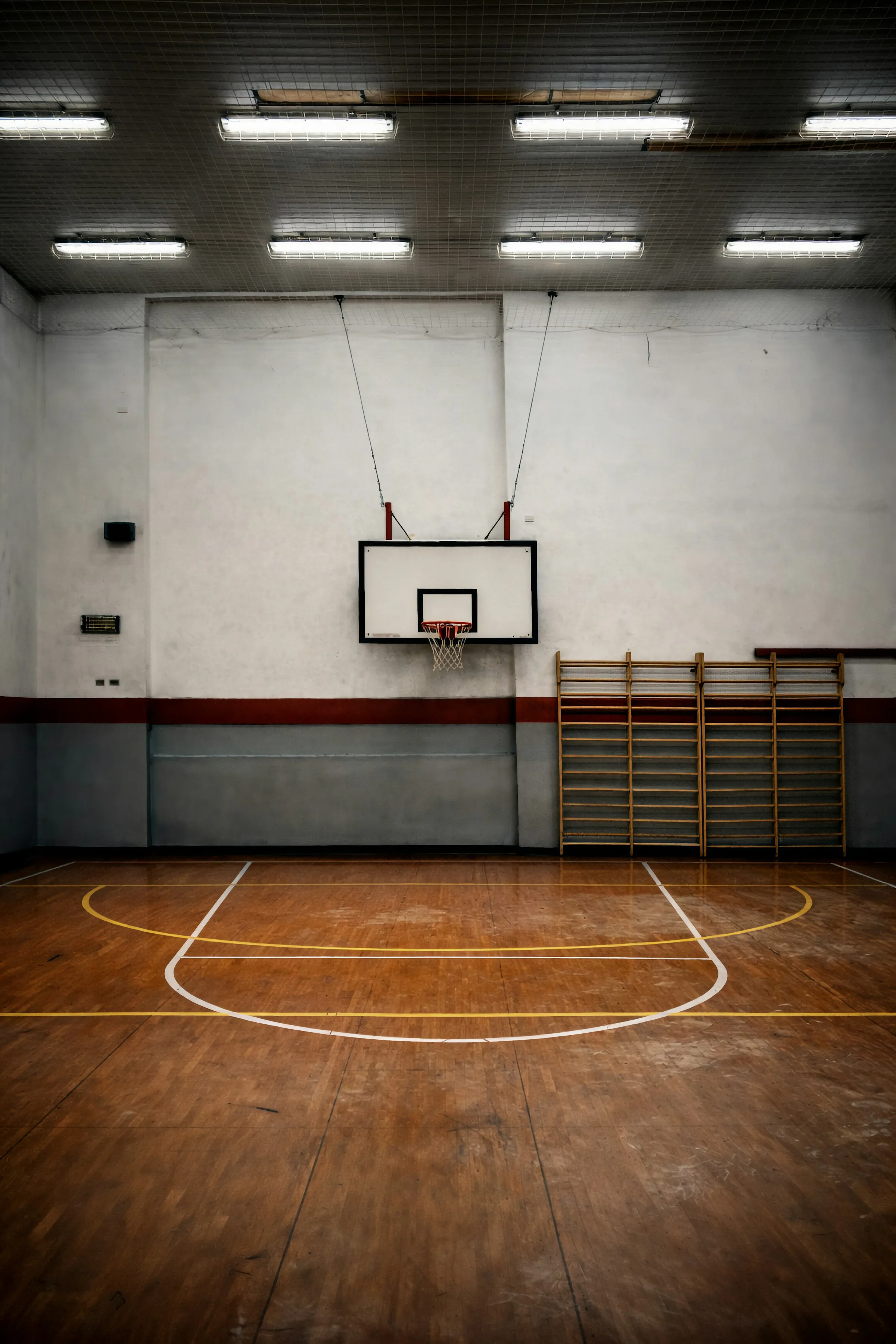
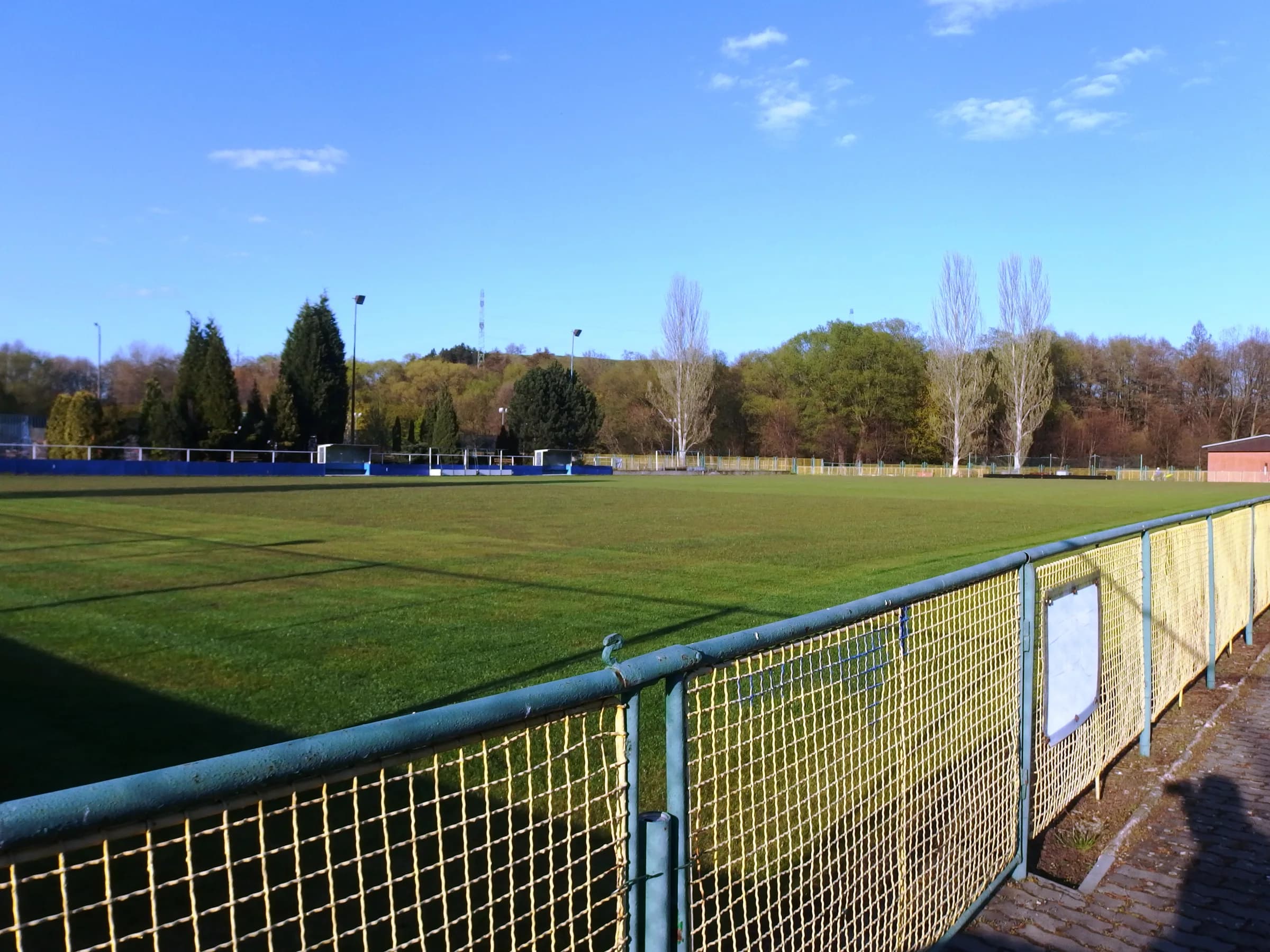
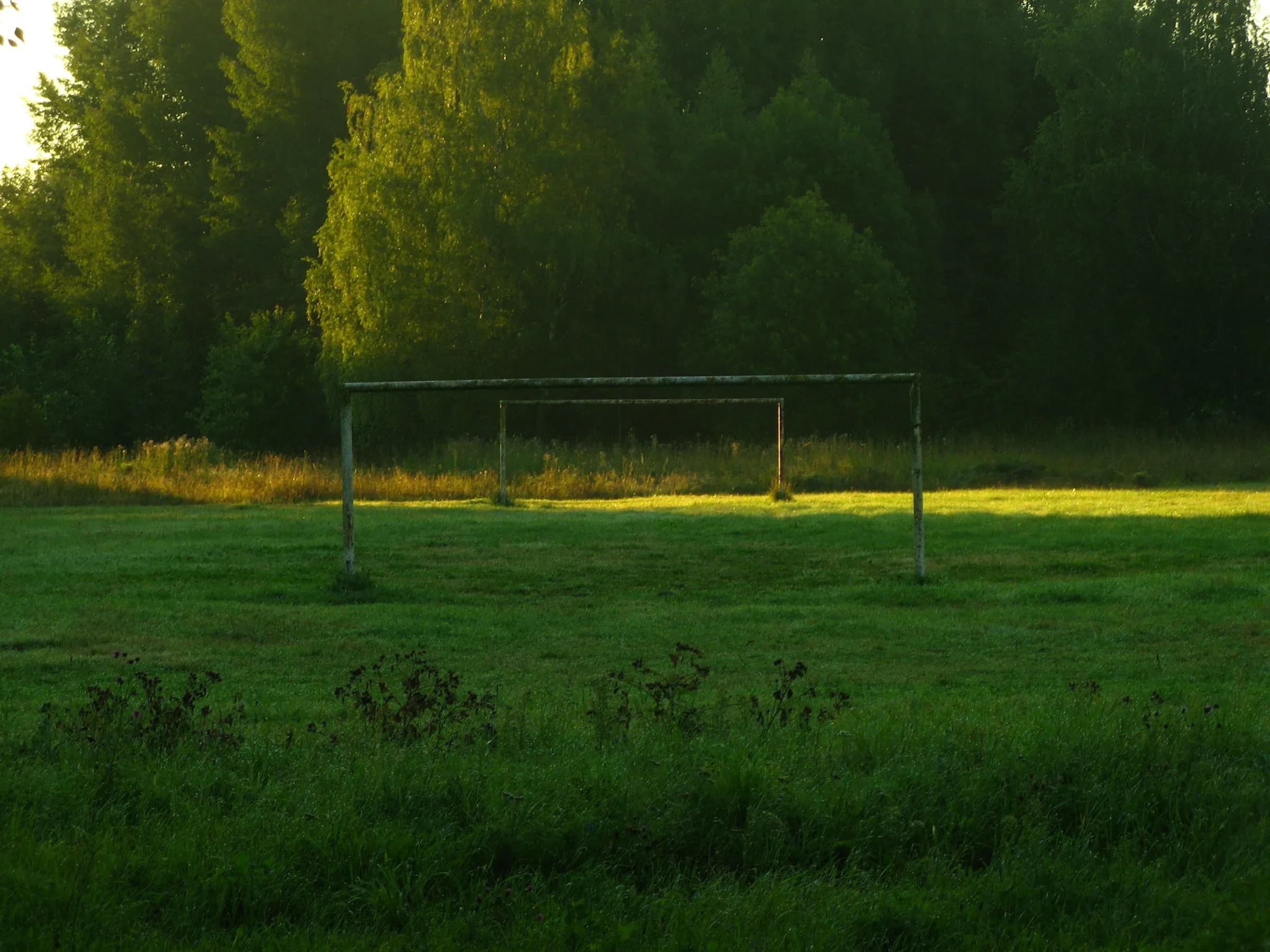
The product is built as a multi-sport drill application: each sport route opens the same editor experience with sport-specific surfaces and ball or puck language. The visuals below are real board screenshots from the current application with sample elements loaded.
Build training drills, rondos, transfer games, positional exercises, and match-day tactical ideas on full-field, half-field, 18-yard box, or plain green surfaces.
Full field, half field, 18-yard box, plain greenUse rink-specific coaching boards for puck movement, zone work, small-area games, and ice hockey drill explanations.
Full rink, half rink, offensive zone, plain ice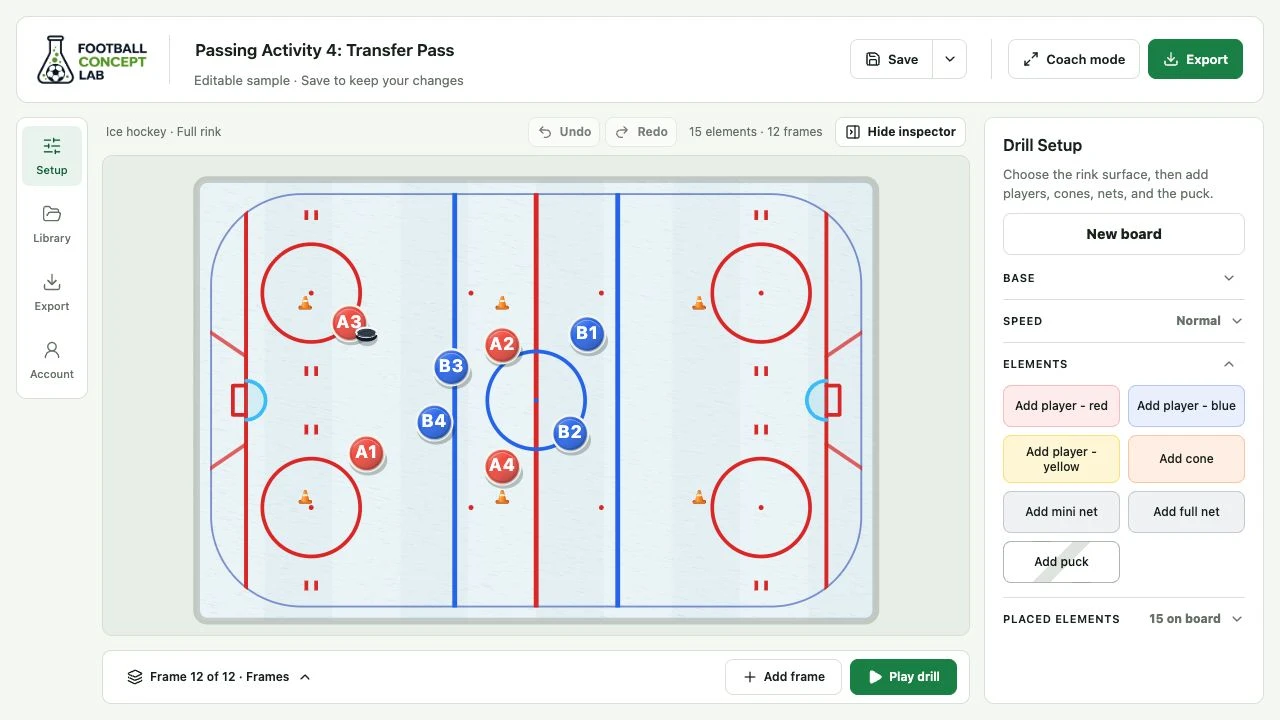
Create court diagrams and animated play concepts with players, cones, nets, a basketball visual, and court markings that match basketball coaching language.
Full court, half court, paint closeup, plain court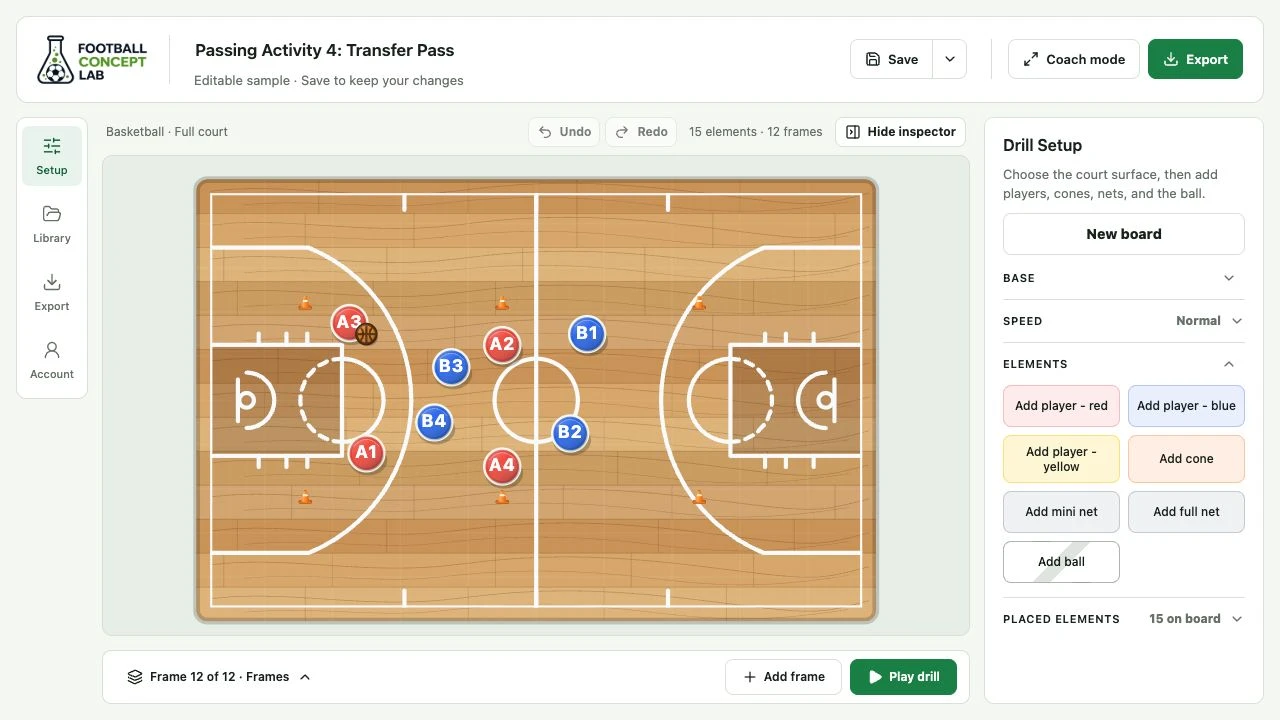
Plan field hockey drills and tactical rotations on regulation-style surfaces, including full-field, half-field, shooting-circle, and plain turf views.
Full field, half field, shooting circle, plain turf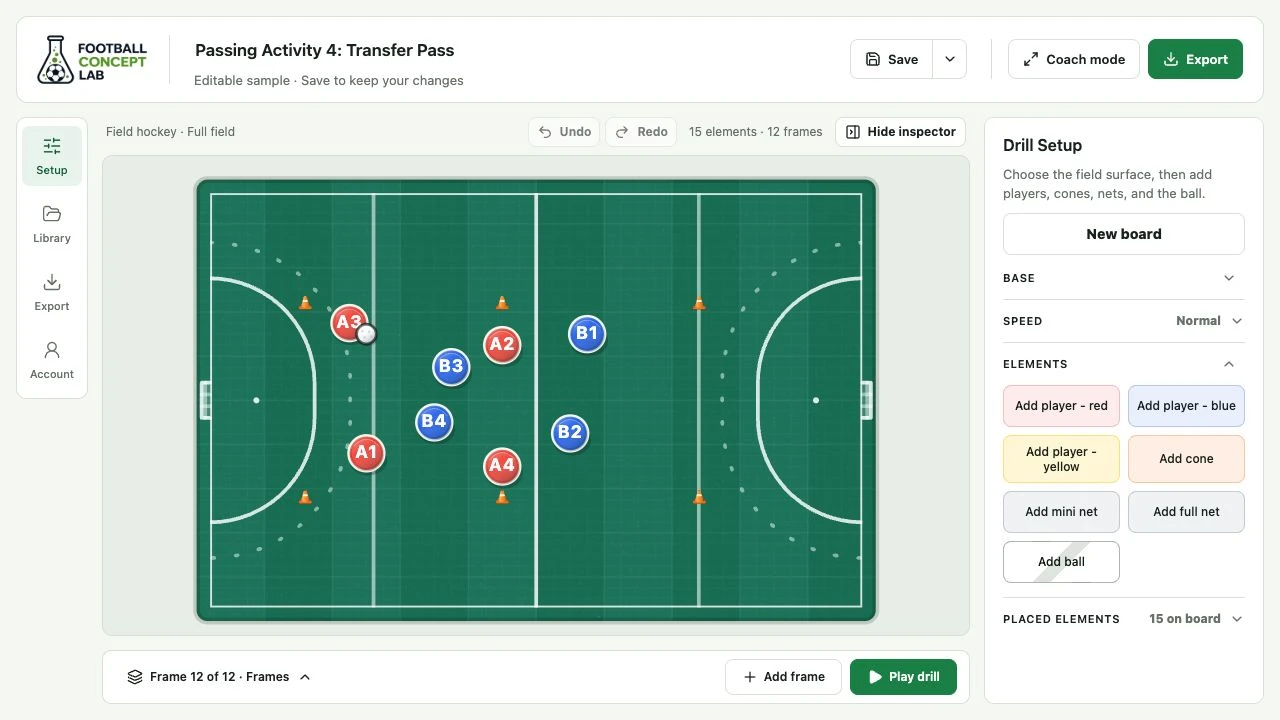
Use Football Concept Lab as a drill designer, animation board, presentation tool, and lightweight library. End with an editable drill file and a shareable player-facing video.
Start with the field, court, rink, or closeup area that matches the session you are coaching.
Add players, cones, nets, and the ball or puck. Lock setup elements when you want the layout to stay fixed.
Create frames to show player movement, spacing, ball movement, timing, and rotations.
Add drill objectives, rules, coaching cues, frame captions, and optional narration for MP4 export.
Save editable drill files, reload them later, or export coaching videos for players and staff.
The app is designed around coaching iteration. Build a drill, change the timing, adjust the setup, save the editable file, return to it later, and export only when the explanation is clear.
Try the editor, load the sample drill, or jump straight into a sport-specific board.